

Clean Motion Toolkit
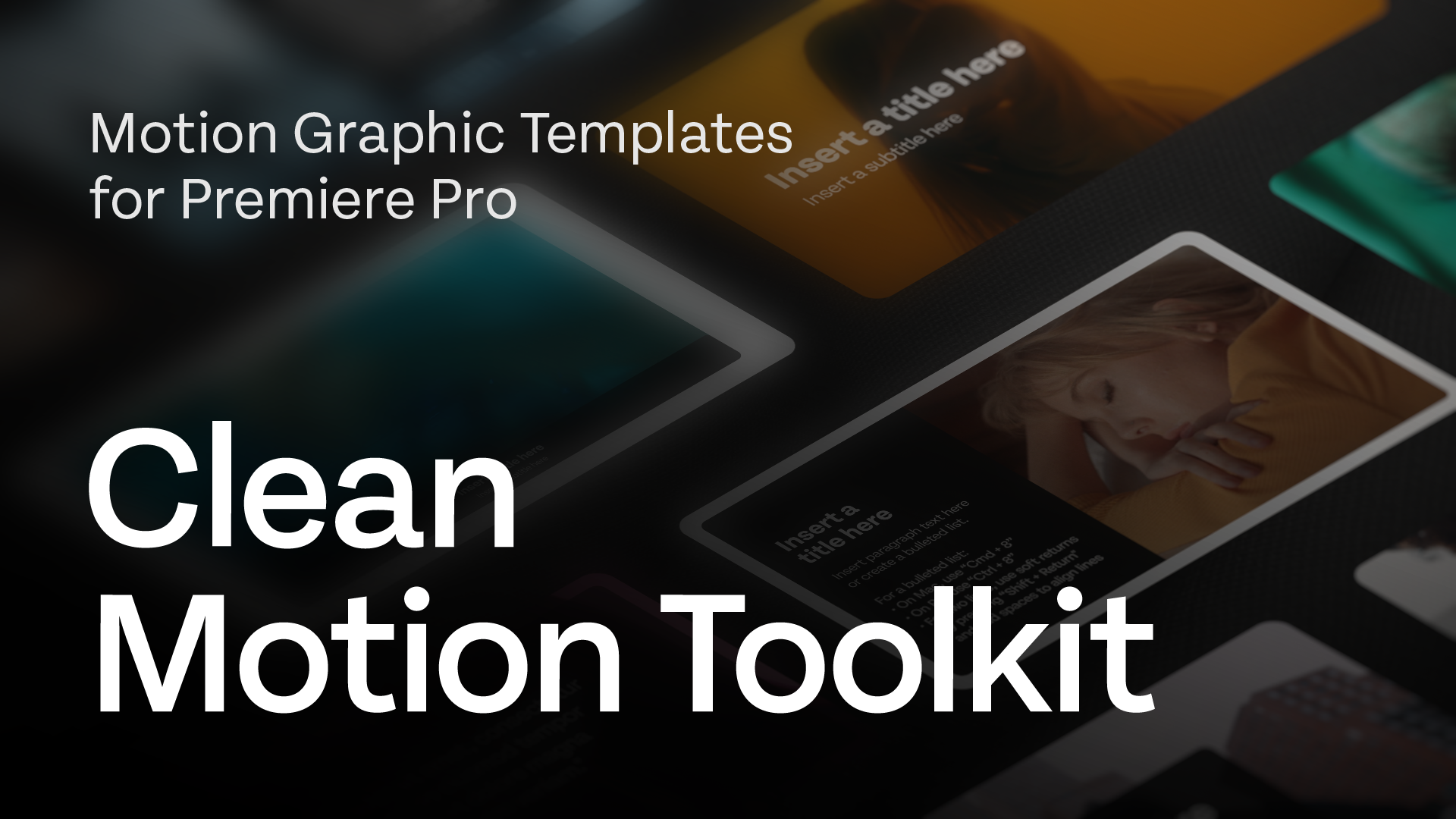
Whether you're an experienced editor or an up-and-coming freelancer, Clean Motion Toolkit is the "one-stop-shop" for taking your edit to the next level. Save time and money with Clean Motion Toolkit!
Customizable Features
-
Visibility
Independent toggles to turn on/off each element for full customization of your motion graphic tempalte
-
Text Control
Select font, style, color, line spacing, tracking, position & scale
-
Shape/Panel Control
Flexible formatting options include: color, stroke, rounded corners, & opacity
-
Auto-Size
Text boxes adjust dynamically to text inputs, even in templates with multiple text fields
-
Animation Control
Complete customization over full-screen animations, text/shape animations, etc.
-
Responsive Control
Template intros & outros are responsive, so feel free to stretch out the ending of the template to best-fit your needs
What’s inside

TUT01:
Tutorial & Walkthrough
Get up to speed fast. A full walkthrough of every template in the Clean Motion Toolkit — so you can start using it in your edit within minutes, not hours.
TUT02:
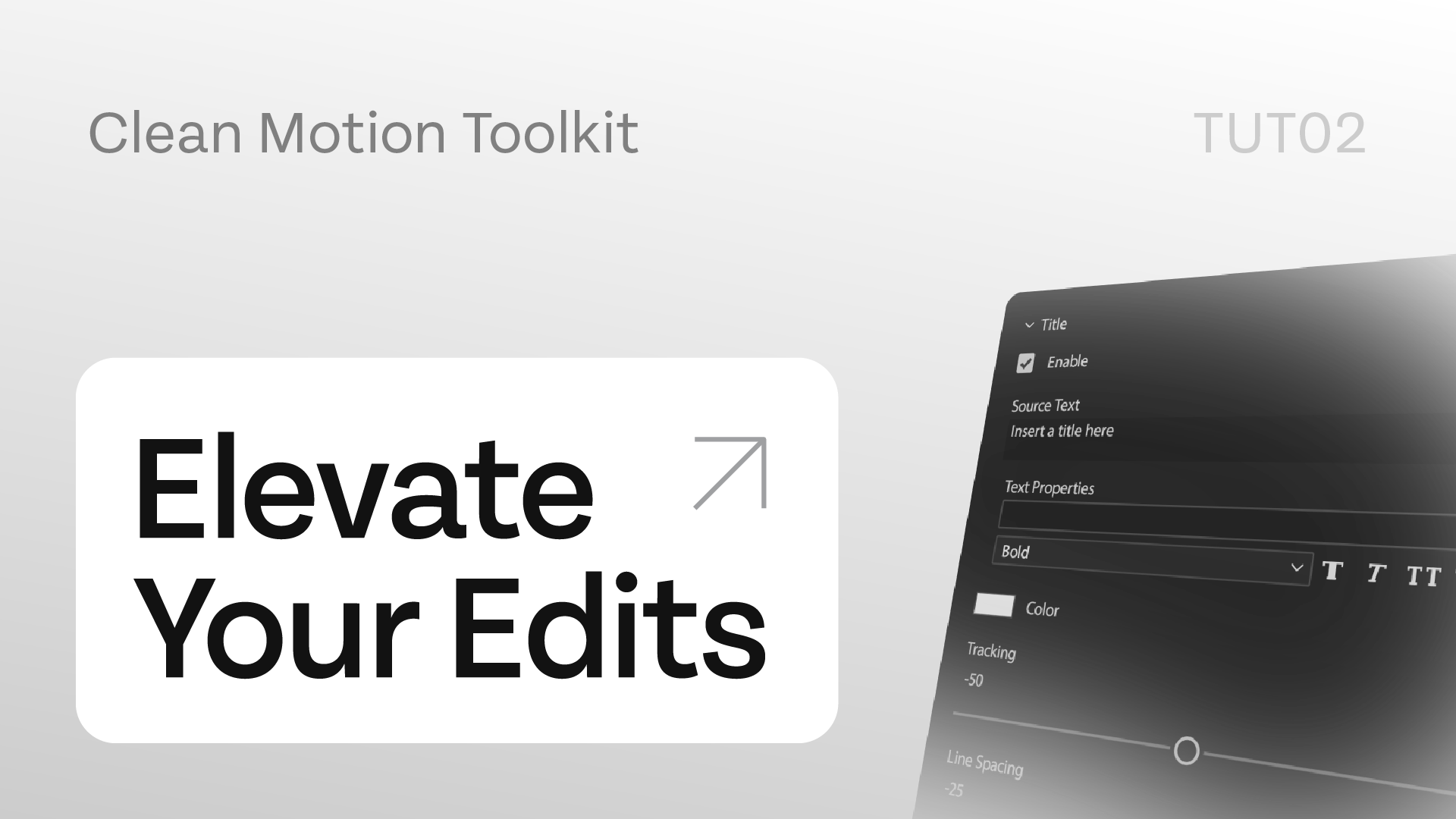
Elevate Your Edits
Go deeper. Advanced customization techniques, creative applications, and tips from the Minneapolis motion designer who built the toolkit.
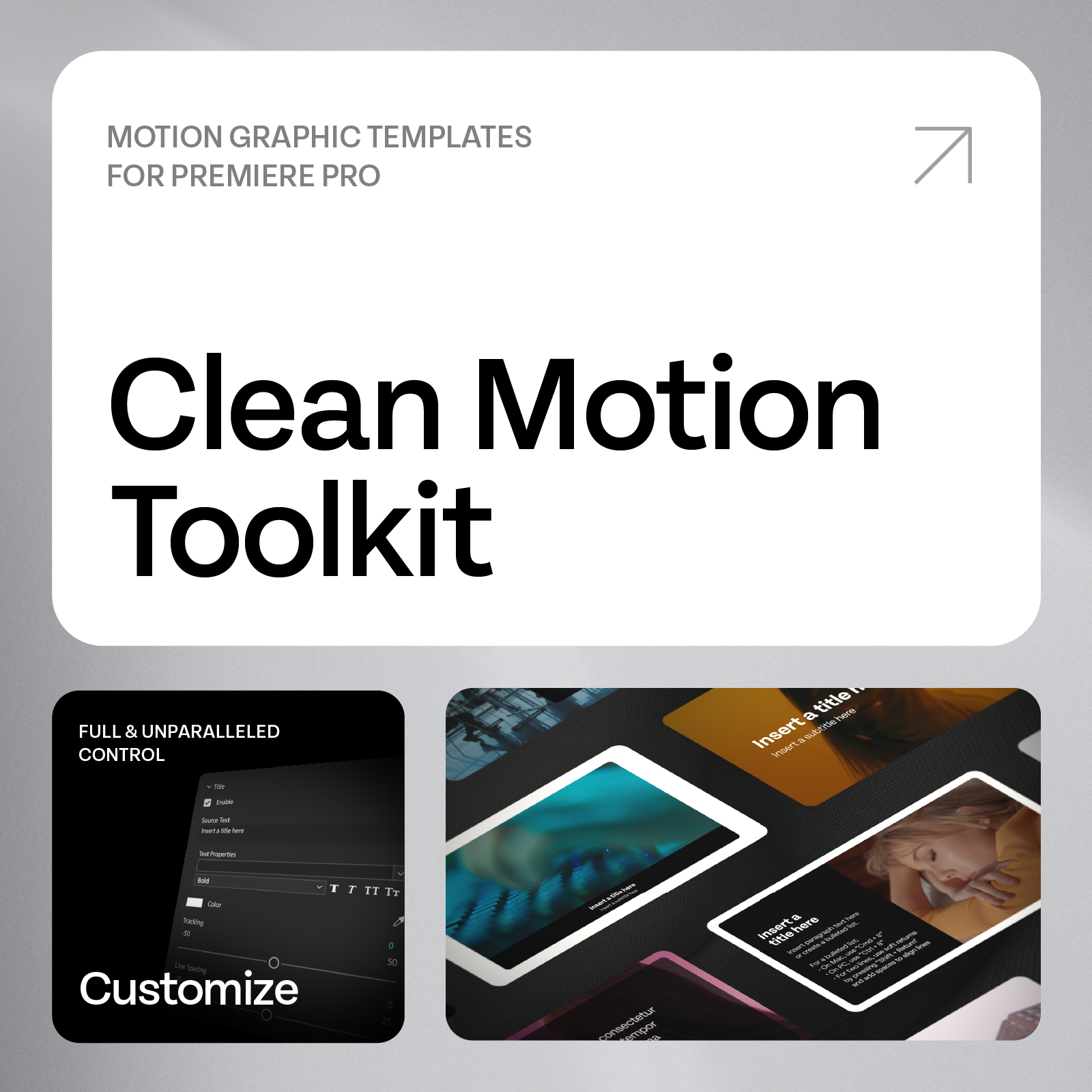
Clean Motion Toolkit
Motion Graphic Templates for Premiere Pro (MOGRT)